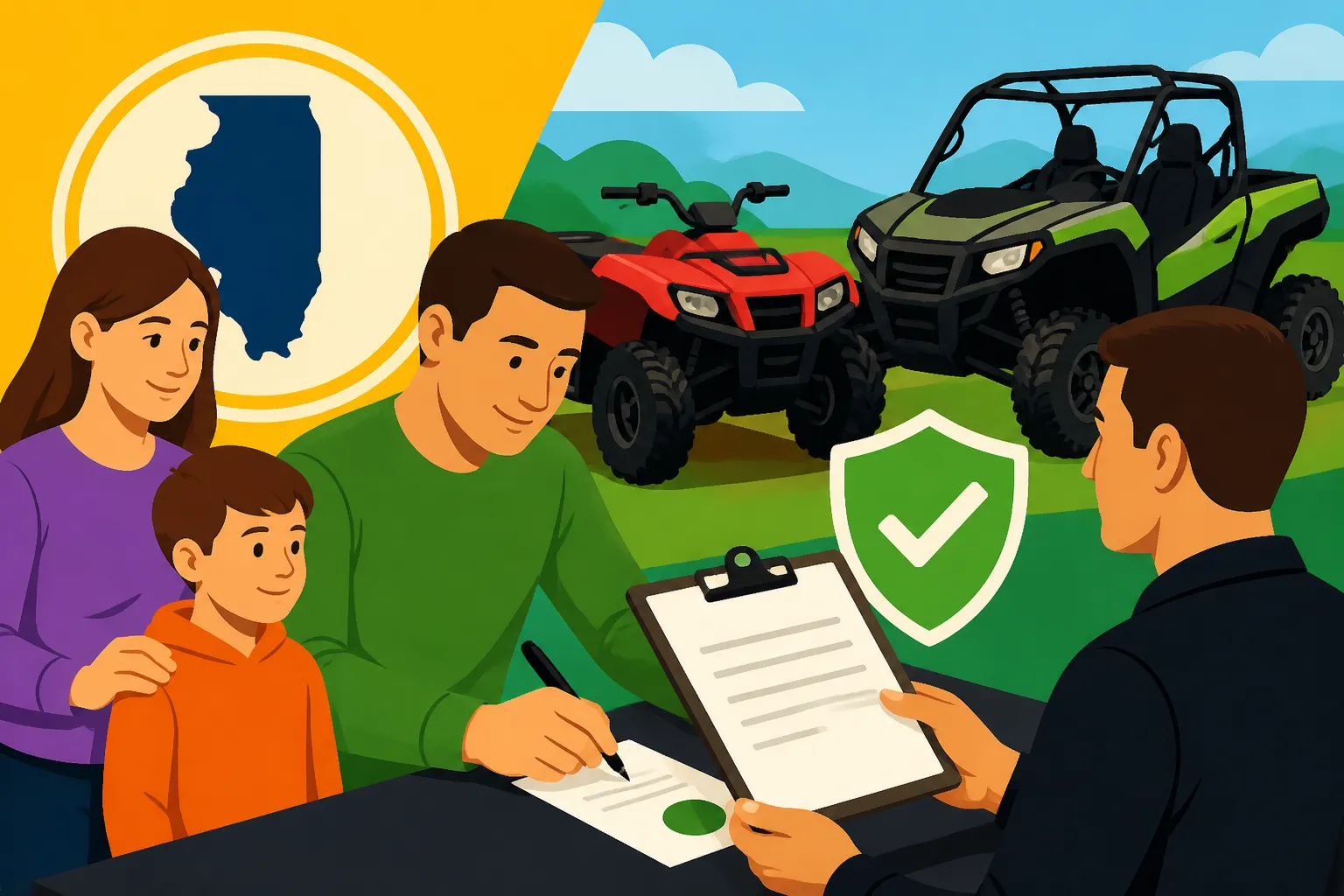
Parents Must Sign the Waiver for a Child
Taking a child to an Illinois ATV or UTV riding area involves more than packing a helmet and buying a permit. The waiver is a key part of check-in, and a child generally cannot sign in place of a parent or guardian. Here’s how to prepare, what to confirm with the riding site, and how to avoid delays at the gate.
Why a parent or guardian needs to handle the waiver
A riding waiver is a document the venue uses to explain its rules and obtain acknowledgment of the risks involved in riding there. When a child is participating, the site may require a parent or legal guardian to complete or sign the child’s paperwork before the child can ride. The waiver is separate from a permit, an access decal, proof of ownership, or a safety requirement.
The exact process depends on the riding area. Private parks and public or grant-assisted sites may use different forms, registration systems, and check-in procedures. A venue might ask for a signature online before the visit, at check-in, or both. Some may require a parent or guardian to be present in person. Do not assume that one site’s procedure applies everywhere in Illinois.
A waiver does not replace the site’s other rules. A child may still need to meet requirements for age, supervision, protective equipment, vehicle type, or operator qualifications. The site may also set limits on which vehicles a child can operate and whether a child can ride as a passenger. Check Illinois Rules for Young Riders and Illinois Supervision at a Riding Park before choosing a machine or planning the day.
It also helps to distinguish the waiver from the paperwork that applies to riding access. Depending on where you plan to ride, an Illinois usage stamp or public access decal may be relevant, and a particular park may require its own reservation or permit. A signed waiver alone does not authorize riding at a site. For the difference between the two statewide stickers, see What the Stamp Covers and What the Decal Covers.
| Item | What it does | What to confirm before leaving |
|---|---|---|
| Child’s waiver | Records the venue’s required acknowledgment and permission for the child’s participation | Who may sign, when to sign, and whether the parent must attend |
| Riding permit or reservation | Provides access under the site’s booking or admission rules | Whether advance booking is required and what confirmation to bring |
| State access decal or usage stamp | Applies to particular Illinois riding access rules, not every venue in the same way | Which sticker applies to the site and machine |
| Safety and supervision requirements | Set conditions for a child’s participation | Age limits, operator rules, equipment, and adult supervision |
Treat the waiver as a participation requirement, not as a promise that the venue will allow every child to ride every machine. Staff may still turn away a child or vehicle that does not meet the site’s rules. Likewise, signing the form does not guarantee a particular route, activity, or riding area will be available.
For a site-specific overview of signing before arrival, read Illinois Waivers Signed Before You Ride. For a more focused look at what may happen at check-in, see The Waiver Every Rider Signs Before Unloading.
What to confirm before the riding day
Contact the site or check its current registration information before you travel. Policies can differ between venues and may change, so rely on the park’s own instructions rather than a form or checklist you used at another location. If you booked online, check the confirmation email and any attached waiver instructions.
Ask these questions clearly:
- Who must sign for the child? Confirm whether the venue accepts a parent, legal guardian, or another authorized adult. If a grandparent, relative, or family friend is bringing the child, do not assume that person can sign. Ask the site what it requires and whether there is an approved way to complete the paperwork in advance.
- Does the parent need to be there? Some sites may require the signing adult to attend check-in or remain present. If the child is arriving with another adult, get the venue’s answer before the trip.
- When must the waiver be completed? Find out whether the waiver is part of online registration, must be signed at the entrance, or has both steps. A registration form and a liability waiver may be separate documents.
- Does each child need an individual form? Ask whether a form is needed for each participating minor, including children who will be passengers rather than operators. Do not assume that one adult signature on a group booking covers every child.
- What identification or information is needed? The site may ask for the child’s name, the adult’s contact details, emergency information, or an identification document. Ask what is actually required and avoid bringing unnecessary personal information.
- What else must the child meet? Confirm age, supervision, helmet, machine, and operator requirements. Review Illinois Permit Rules for Young Riders and Illinois License Rules for Young Operators as relevant, then verify the venue’s own rules.
For private facilities, review Illinois Private Park Waivers and Rules. A private park can set its own admission conditions, and one park’s policy is not a reliable guide to another park’s policy. Public access rules are also not the same thing as a private facility’s waiver and check-in requirements.
If the venue provides a waiver online, read it before signing. Check that the child’s name and the adult’s information are accurate, and make sure the form is for the right location and visit. If a form has a section for the parent or guardian’s relationship to the child, complete it honestly. Do not sign for another adult or state that you are a legal guardian if you are not.
If you are uncertain about the meaning of a release or what rights it affects, ask the venue to explain its process and consider getting qualified legal advice. A check-in employee may be able to clarify how to submit a form, but should not be expected to interpret the legal effect of every clause.
How to avoid problems at check-in
The most reliable approach is to finish every step the venue allows before arrival, then keep the confirmation easy to retrieve. A completed waiver can still be missed if it is attached to the wrong account, saved under another family member’s name, or submitted for a different date. Confirm that the child appears on the registration and that the form shows as completed if the system provides a status.
A practical checklist:
- Use the site’s current form. Download or open it from the venue’s current registration instructions, not an old email or a form saved from a prior season.
- Enter the child’s details consistently. Use the same name as the reservation or check-in record. If the booking system lists a child under an adult’s account, make sure the waiver still identifies the child as a participant.
- Have the correct adult sign. The adult should read the form and sign in the capacity the venue accepts. If another adult will bring the child, get written instructions from the site about whether that arrangement is allowed.
- Save the confirmation. Keep the email, receipt, or registration page available on a phone. If the site recommends a printed copy or requires one, follow that instruction.
- Carry the other required items separately. Keep the waiver confirmation distinct from permits, decals, proof of ownership, or other paperwork. A waiver is not a substitute for any of these.
- Allow time for check-in. Group reservations, multiple children, or a missing form can take longer to resolve. Arriving with time to spare is easier than trying to sort out permissions when the riding group is ready to enter.
If you are riding at a grant-assisted site, confirm which stickers and documents apply before the trip. The waiver is a venue participation document; it does not replace the access decal rules. Illinois Grant Site Rules for Riders and Carrying Papers at a Grant Site can help you sort out the separate access paperwork.
Bring only the documents the venue asks for, and protect any personal information you do carry. If the site accepts a digital waiver, ask whether a screenshot or confirmation email is sufficient if cellular service is unreliable. Do not assume the check-in area will have reliable internet access or be able to retrieve a form from an account you cannot access.
If a child is going with another adult
A common complication is a child traveling with a relative, friend, or organized group instead of a parent. The accompanying adult may be able to supervise the child at the venue but still may not have authority to sign the venue’s waiver. These are separate questions: supervision permission does not automatically equal authority to sign a legal release.
Before the trip, call or email the site and explain who will bring the child and who has parental or guardianship responsibility. Ask whether the parent must complete the waiver directly, whether the parent must be present at check-in, and what documentation the site will accept. Follow the venue’s stated procedure; do not rely on a verbal assumption from another family or a previous visit.
If the site says the parent must attend, arrange transportation and check-in accordingly. If it accepts advance paperwork, make sure the form is submitted through the method the venue specifies and that the accompanying adult has the confirmation. If the venue cannot confirm that the arrangement is acceptable, resolve the issue before setting out. Arriving at the gate with a child and an unauthorized signer can mean the child cannot participate that day.
The same planning applies when a child is part of a large group or a birthday outing. Identify one adult as the point person for each child’s waiver and registration, but do not treat a group leader’s signature as a replacement for each child’s required parent or guardian signature. Confirm how the site handles group check-in and whether each family must complete paperwork separately.
Finally, keep the waiver in perspective. It is one part of a safe and properly organized ride, not a substitute for choosing an appropriate machine, following supervision rules, or preparing for trail conditions. Confirm the venue’s requirements, sign the correct form, and bring the child only if the site has confirmed that the child’s participation and the accompanying adult’s role meet its rules.
Disclaimer
This article is for general informational purposes only and does not constitute professional advice. Laws, prices and regulations vary by location and change over time. Consult a qualified professional for guidance on your specific situation.