Every Machine Gets a Sticker at the Gate
When you unload at an Illinois OHV park, it can be easy to assume one permit or one check-in covers the whole group. At Sahara Woods, each machine needs its own vehicle sticker at the gate. This guide explains what that sticker does, how it differs from other Illinois decals, and how to avoid check-in confusion before you ride.
What the Sahara Woods vehicle sticker means
The sticker identifies a machine checked in for the riding day
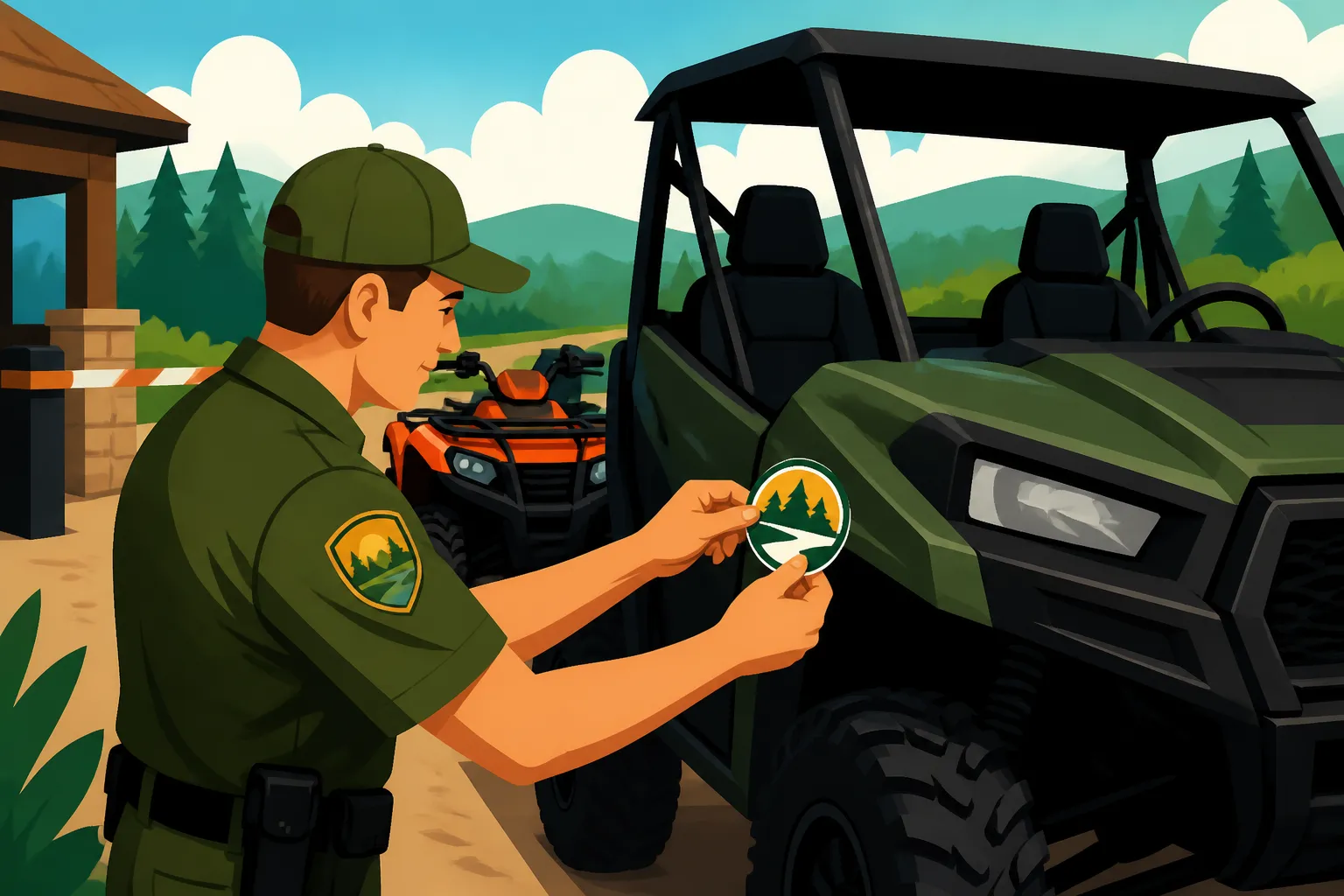
At the gate, staff issue a sticker for each machine covered by the park’s permit process. It helps show that a particular ATV, UTV, or other permitted machine has checked in for the visit. If you arrive with several machines, plan for each one to be processed separately rather than treating the group’s permit as one sticker for the trailer.
That distinction matters when one person booked for multiple riders or is managing a family outing. A confirmation, waiver, or payment record may apply to the reservation, but it does not replace the sticker that identifies each machine at the site. Keep the confirmation available and follow the gate staff’s instructions about which machine receives which sticker.
The sticker is associated with the visit and the machine being checked in. It is not a title, license plate, or permanent registration document. For practical guidance on where staff expect it to go, see Where to Stick a Sahara Woods Vehicle Sticker.
It is different from Illinois’s stamp and access decal
Illinois riders may encounter several stickers or decals that look similar at first glance but serve different purposes. The Sahara Woods vehicle sticker is part of the site’s check-in process. The state’s OHV usage stamp and public access decal have separate functions and rules. One should not be assumed to substitute for another.
The usage stamp relates to riding on applicable public land, while the public access decal is associated with access to grant-assisted riding sites. A Sahara Woods permit and its vehicle sticker are tied to the park’s own admission process. The details can be confusing, especially if you ride at different kinds of locations during the same season, so it helps to review What the Stamp Covers and What the Decal Covers and [Illinois Public Access Decal Rules].
Before driving to a riding area, check which requirements apply to that specific location and trip. A site’s permit, a statewide stamp, and an access decal are not automatically interchangeable. Illinois Stamps and Decals Compared explains the broader distinction.
How to prepare each machine for check-in
Match your reservation to the machines you are bringing
Before leaving home, write down the machines included in your riding group: who is bringing each one, who will operate it, and whether the machine is rented or privately owned. Compare that list with your reservation details. If your plans change—such as adding a second ATV or swapping a machine—confirm how the change should be handled before you arrive.
This small check can prevent an awkward moment at the gate. Imagine a family towing two quads but booking as though only one machine were coming. The group may have rider information ready, yet still need to resolve the second machine’s check-in. Sorting it out ahead of time is easier than doing it beside a loaded trailer while other riders are waiting.
For a visit that requires advance planning, review Booking a Sahara Woods Permit Through ExploreMoreIL and the relevant rules for Illinois Sahara Woods One-Day Permits or Illinois Sahara Woods Four-Day Permits. The permit type and reservation details should fit the length and nature of your planned visit. Check the official booking instructions for the requirements that apply to your trip.
Keep documents and gear easy to reach
Put your confirmation and any information requested for check-in somewhere accessible, rather than buried under helmets, riding gear, or tools. If several adults are coordinating a group, decide in advance who will handle the reservation and answer questions at the gate. That person should know how many machines are arriving and be able to identify them.
It also helps to keep the machines easy to distinguish. If two quads are the same color or model, note which rider is assigned to each one. This can reduce mix-ups when staff are checking the reservation and applying the site sticker. Don’t attach a sticker before staff direct you to do so; follow the park’s placement instructions so it remains visible and is not damaged during unloading.
For a weekend trip, use a written checklist: reservation details, rider information, machine count, helmets, and any required paperwork. If you rely on a phone for directions or confirmation, save the information in a way you can access at the trailhead. Cell coverage can vary on rural routes and at riding areas, so having key details ready offline is useful. An app such as onX Offroad can help you plan the drive and keep navigation information handy, but it does not replace the park’s booking or check-in requirements.
| Before you leave | At the gate | Before riding |
|---|---|---|
| Confirm the permit details and number of machines | Tell staff how many machines are arriving | Check that each machine has its own assigned sticker |
| Gather reservation and rider information | Follow the staff’s check-in instructions | Place each sticker where staff direct |
| Make sure everyone knows who is handling check-in | Ask questions before leaving the gate | Keep any required wristbands on as instructed |
| Review the park’s rules for your visit | Confirm any change in machines or riders | Follow posted trail and site rules |
What to expect when stickers are issued
One rider wristband does not replace a machine sticker
A riding group may receive different forms of identification during check-in. Riders and machines are not the same thing: a wristband is for an individual rider, while a vehicle sticker is associated with a machine. A group with several riders and several machines should expect the park to account for both as part of its process.
Keep each rider’s wristband with that rider and each vehicle sticker on the machine it was assigned to. Avoid swapping stickers between machines or assuming that one person’s wristband covers another person. If a rider changes machines during the day, ask staff what the site expects rather than making your own interpretation. For more on the rider side of check-in, see Illinois Wristband Rules for Riders.
This is especially useful for families. A parent may be managing children, multiple helmets, and more than one ATV at once. Taking a minute at the gate to confirm which rider and machine are accounted for can prevent confusion later, particularly if staff check identification while riders are on the property.
Ask staff before replacing or moving a sticker
A sticker can become loose, dirty, or hard to see after a machine is unloaded or ridden. If it is damaged, falls off, or appears to be on the wrong machine, contact park staff and ask what to do. Don’t assume that moving a sticker to a different panel—or transferring it to another vehicle—is acceptable.
Follow the placement instructions provided at check-in. A sticker that is hidden by a rack, mud, or another accessory may be harder for staff to verify. If you are preparing your machine before the trip, leave a clear, reasonably clean area where the sticker can be placed as directed. The park’s instruction takes precedence over a rider’s guess about the best location.
For directions and trail planning, some riders use onX Offroad to prepare before unloading. That can be helpful for organizing a route, but keep navigation separate from check-in: the app does not show that a machine has been admitted, and it cannot replace a required vehicle sticker or wristband.
Common mistakes that cause check-in confusion
Assuming one reservation means one machine sticker
The most common planning error is counting people but not machines. A group may have the right number of riders on its reservation and still arrive with an additional quad or side-by-side. Make the vehicle count explicit when arranging the visit, and verify the booking details if your machine lineup changes.
Also avoid assuming that a vehicle sticker is reusable from an earlier visit or transferable to another machine. Treat it as a site-issued marker for the machine and visit specified by the park’s instructions. If you have a question about a change, ask before relying on a sticker from another trip.
Mixing up the park sticker with a state decal
A state access decal and a park-issued vehicle sticker may both be affixed to a machine, but they do not necessarily serve the same purpose. Don’t remove, cover, or reposition one because you think it is the other. If you ride at multiple locations, check the rules for each place and keep track of which requirement applies where.
Likewise, selling or lending a machine does not automatically transfer every sticker or permit obligation to the next rider. For broader guidance about decals when ownership changes, see Illinois Stickers When You Sell the Machine. For a visit to Sahara Woods, use the park’s current instructions for the reservation and the machine being checked in.
If you’re mapping a trip that includes multiple riding areas, onX Offroad may help you organize routes and locations in advance. Still, verify access with each site directly: a mapped road or trail does not by itself mean that riding is permitted there. Keep the reservation confirmation available, bring the correct number of machines to check in, and let gate staff explain any site-specific sticker requirements before you head onto the trail.
Disclaimer
This article is for general informational purposes only and does not constitute professional advice. Laws, prices and regulations vary by location and change over time. Consult a qualified professional for guidance on your specific situation.